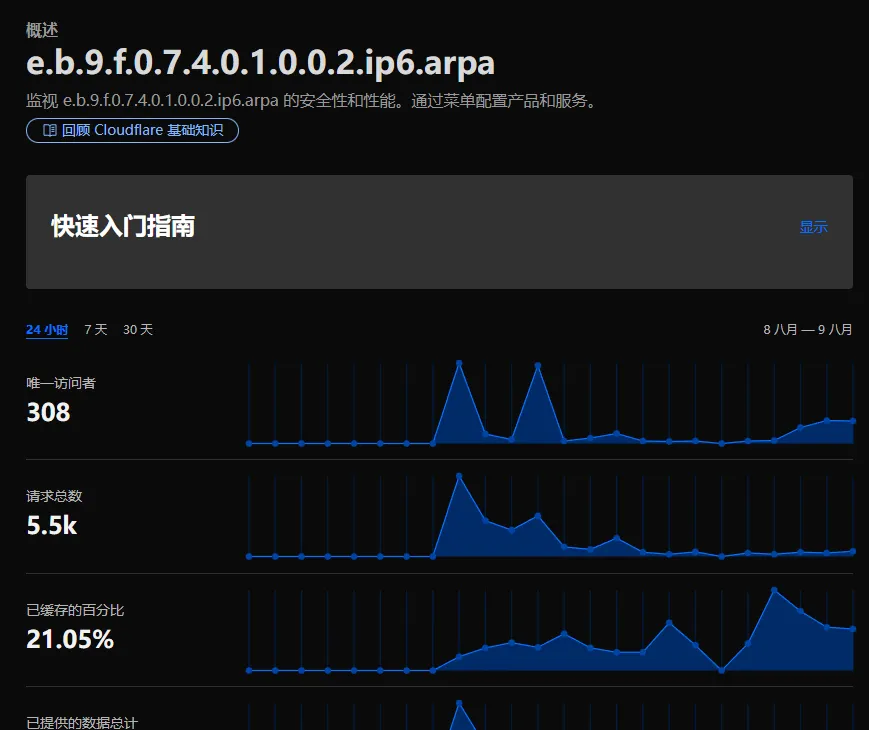
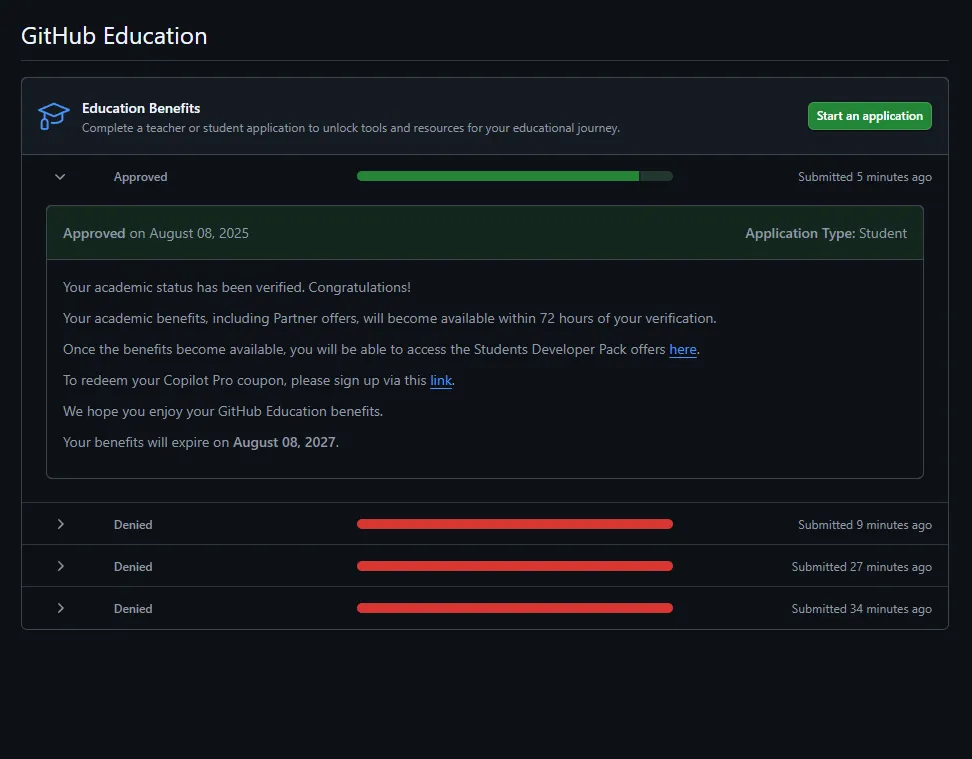
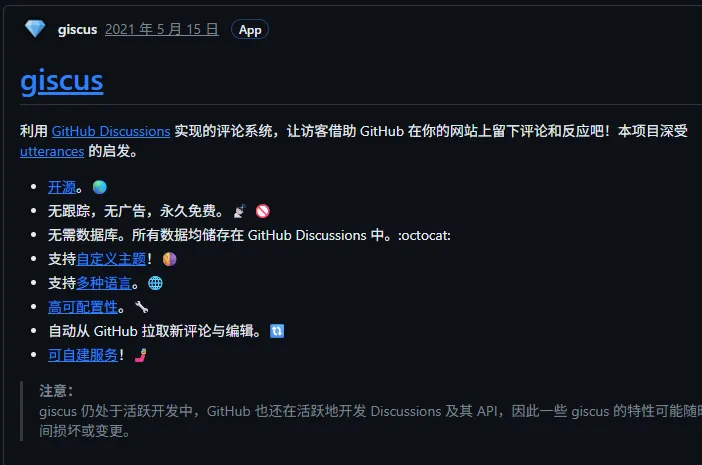
注意,将该项目直接绑定到你的域名会吃Abuse 推荐将 index.html 重命名。让别人访问根路径无法访问到正常页面即可,但不保证永远不会吃Abuse
然后创建一个新的 index.html 写入:
<html><head> <title>Welcome to nginx!</title> <style> body { width: 35em; margin: 0 auto; font-family: Tahoma, Verdana, Arial, sans-serif; } </style> <style data-id="immersive-translate-input-injected-css">.immersive-translate-input { position: absolute; top: 0; right: 0; left: 0; bottom: 0; z-index: 2147483647; display: flex; justify-content: center; align-items: center; } .immersive-translate-attach-loading::after { content: " "; --loading-color: #f78fb6; width: 6px; height: 6px; border-radius: 50%; display: block; margin: 12px auto; position: relative; color: white; left: -100px; box-sizing: border-box; animation: immersiveTranslateShadowRolling 1.5s linear infinite; position: absolute; top: 50%; left: 50%; transform: translate(-2000%, -50%); z-index: 100; } .immersive-translate-loading-spinner { vertical-align: middle !important; width: 10px !important; height: 10px !important; display: inline-block !important; margin: 0 4px !important; border: 2px rgba(221, 244, 255, 0.6) solid !important; border-top: 2px rgba(0, 0, 0, 0.375) solid !important; border-left: 2px rgba(0, 0, 0, 0.375) solid !important; border-radius: 50% !important; padding: 0 !important; -webkit-animation: immersive-translate-loading-animation 0.6s infinite linear !important; animation: immersive-translate-loading-animation 0.6s infinite linear !important; } @-webkit-keyframes immersive-translate-loading-animation { from { -webkit-transform: rotate(0deg); } to { -webkit-transform: rotate(359deg); } } @keyframes immersive-translate-loading-animation { from { transform: rotate(0deg); } to { transform: rotate(359deg); } } .immersive-translate-input-loading { --loading-color: #f78fb6; width: 6px; height: 6px; border-radius: 50%; display: block; margin: 12px auto; position: relative; color: white; left: -100px; box-sizing: border-box; animation: immersiveTranslateShadowRolling 1.5s linear infinite; } @keyframes immersiveTranslateShadowRolling { 0% { box-shadow: 0px 0 rgba(255, 255, 255, 0), 0px 0 rgba(255, 255, 255, 0), 0px 0 rgba(255, 255, 255, 0), 0px 0 rgba(255, 255, 255, 0); } 12% { box-shadow: 100px 0 var(--loading-color), 0px 0 rgba(255, 255, 255, 0), 0px 0 rgba(255, 255, 255, 0), 0px 0 rgba(255, 255, 255, 0); } 25% { box-shadow: 110px 0 var(--loading-color), 100px 0 var(--loading-color), 0px 0 rgba(255, 255, 255, 0), 0px 0 rgba(255, 255, 255, 0); } 36% { box-shadow: 120px 0 var(--loading-color), 110px 0 var(--loading-color), 100px 0 var(--loading-color), 0px 0 rgba(255, 255, 255, 0); } 50% { box-shadow: 130px 0 var(--loading-color), 120px 0 var(--loading-color), 110px 0 var(--loading-color), 100px 0 var(--loading-color); } 62% { box-shadow: 200px 0 rgba(255, 255, 255, 0), 130px 0 var(--loading-color), 120px 0 var(--loading-color), 110px 0 var(--loading-color); } 75% { box-shadow: 200px 0 rgba(255, 255, 255, 0), 200px 0 rgba(255, 255, 255, 0), 130px 0 var(--loading-color), 120px 0 var(--loading-color); } 87% { box-shadow: 200px 0 rgba(255, 255, 255, 0), 200px 0 rgba(255, 255, 255, 0), 200px 0 rgba(255, 255, 255, 0), 130px 0 var(--loading-color); } 100% { box-shadow: 200px 0 rgba(255, 255, 255, 0), 200px 0 rgba(255, 255, 255, 0), 200px 0 rgba(255, 255, 255, 0), 200px 0 rgba(255, 255, 255, 0); } } .immersive-translate-toast { display: flex; position: fixed; z-index: 2147483647; left: 0; right: 0; top: 1%; width: fit-content; padding: 12px 20px; margin: auto; overflow: auto; background: #fef6f9; box-shadow: 0px 4px 10px 0px rgba(0, 10, 30, 0.06); font-size: 15px; border-radius: 8px; color: #333; } .immersive-translate-toast-content { display: flex; flex-direction: row; align-items: center; } .immersive-translate-toast-hidden { margin: 0 20px 0 72px; text-decoration: underline; cursor: pointer; } .immersive-translate-toast-close { color: #666666; font-size: 20px; font-weight: bold; padding: 0 10px; cursor: pointer; } @media screen and (max-width: 768px) { .immersive-translate-toast { top: 0; padding: 12px 0px 0 10px; } .immersive-translate-toast-content { flex-direction: column; text-align: center; } .immersive-translate-toast-hidden { margin: 10px auto; } } .immersive-translate-modal { display: none; position: fixed; z-index: 2147483647; left: 0; top: 0; width: 100%; height: 100%; overflow: auto; background-color: rgb(0, 0, 0); background-color: rgba(0, 0, 0, 0.4); font-size: 15px; } .immersive-translate-modal-content { background-color: #fefefe; margin: 10% auto; padding: 40px 24px 24px; border-radius: 12px; width: 350px; font-family: system-ui, -apple-system, "Segoe UI", "Roboto", "Ubuntu", "Cantarell", "Noto Sans", sans-serif, "Apple Color Emoji", "Segoe UI Emoji", "Segoe UI Symbol", "Noto Color Emoji"; position: relative; } @media screen and (max-width: 768px) { .immersive-translate-modal-content { margin: 50% auto !important; } } .immersive-translate-modal .immersive-translate-modal-content-in-input { max-width: 500px; } .immersive-translate-modal-content-in-input .immersive-translate-modal-body { text-align: left; max-height: unset; } .immersive-translate-modal-title { text-align: center; font-size: 16px; font-weight: 700; color: #333333; } .immersive-translate-modal-body { text-align: center; font-size: 14px; font-weight: 400; color: #333333; margin-top: 24px; } @media screen and (max-width: 768px) { .immersive-translate-modal-body { max-height: 250px; overflow-y: auto; } } .immersive-translate-close { color: #666666; position: absolute; right: 16px; top: 16px; font-size: 20px; font-weight: bold; } .immersive-translate-close:hover, .immersive-translate-close:focus { text-decoration: none; cursor: pointer; } .immersive-translate-modal-footer { display: flex; justify-content: center; flex-wrap: wrap; margin-top: 24px; } .immersive-translate-btn { width: fit-content; color: #fff; background-color: #ea4c89; border: none; font-size: 14px; margin: 0 8px; padding: 9px 30px; border-radius: 5px; display: flex; align-items: center; justify-content: center; cursor: pointer; transition: background-color 0.3s ease; } .immersive-translate-btn-container { display: flex; flex-direction: column; align-items: center; justify-content: center; gap: 8px; } .immersive-translate-btn:hover { background-color: #f082ac; } .immersive-translate-btn:disabled { opacity: 0.6; cursor: not-allowed; } .immersive-translate-btn:disabled:hover { background-color: #ea4c89; } .immersive-translate-link-btn { background-color: transparent; color: #ea4c89; border: none; cursor: pointer; height: 30px; line-height: 30px; } .immersive-translate-cancel-btn { /* gray color */ background-color: rgb(89, 107, 120); } .immersive-translate-cancel-btn:hover { background-color: hsl(205, 20%, 32%); } .immersive-translate-action-btn { background-color: transparent; color: #ea4c89; border: 1px solid #ea4c89; } .immersive-translate-btn svg { margin-right: 5px; } .immersive-translate-link { cursor: pointer; user-select: none; -webkit-user-drag: none; text-decoration: none; color: #ea4c89; -webkit-tap-highlight-color: rgba(0, 0, 0, 0.1); } .immersive-translate-primary-link { cursor: pointer; user-select: none; -webkit-user-drag: none; text-decoration: none; color: #ea4c89; -webkit-tap-highlight-color: rgba(0, 0, 0, 0.1); } .immersive-translate-modal input[type="radio"] { margin: 0 6px; cursor: pointer; } .immersive-translate-modal label { cursor: pointer; } .immersive-translate-close-action { position: absolute; top: 2px; right: 0px; cursor: pointer; } .imt-image-status { background-color: rgba(0, 0, 0, 0.5) !important; display: flex !important; flex-direction: column !important; align-items: center !important; justify-content: center !important; border-radius: 16px !important; } .imt-image-status img, .imt-image-status svg, .imt-img-loading { width: 28px !important; height: 28px !important; margin: 0 0 8px 0 !important; min-height: 28px !important; min-width: 28px !important; position: relative !important; } .imt-img-loading { background-image: url("data:image/png;base64,iVBORw0KGgoAAAANSUhEUgAAADgAAAA4CAMAAACfWMssAAAAtFBMVEUAAAD////////////////////////////////////////////////////////////////////////////////////////////////////////////////////////////////////////////////////////////////////////////////////////////////////////////////////////////////////////////oK74hAAAAPHRSTlMABBMIDyQXHwyBfFdDMSw+OjXCb+5RG51IvV/k0rOqlGRM6KKMhdvNyZBz9MaupmxpWyj437iYd/yJVNZeuUC7AAACt0lEQVRIx53T2XKiUBCA4QYOiyCbiAsuuGBcYtxiYtT3f6/pbqoYHVFO5r+iivpo6DpAWYpqeoFfr9f90DsYAuRSWkFnPO50OgR9PwiCUFcl2GEcx+N/YBh6pvKaefHlUgZd1zVe0NbYcQjGBfzrPE8Xz8aF+71D8gG6DHFPpc4a7xFiCDuhaWgKgGIJQ3d5IMGDrpS4S5KgpIm+en9f6PlAhKby4JwEIxlYJV9h5k5nee9GoxHJ2IDSNB0dwdad1NAxDJ/uXDHYmebdk4PdbkS58CIVHdYSUHTYYRWOJblWSyu2lmy3KNFVJNBhxcuGW4YBVCbYGRZwIooipHsNqjM4FbgOQqQqSKQQU9V8xmi1QlgHqQQ6DDBvRUVCDirs+EzGDGOQTCATgtYTnbCVLgsVgRE0T1QE0qHCFAht2z6dLvJQs3Lo2FQoDxWNUiBhaP4eRgwNkI+dAjVOA/kUrIDwf3CG8NfNOE0eiFotSuo+rBiq8tD9oY4Qzc6YJw99hl1wzpQvD7ef2M8QgnOGJfJw+EltQc+oX2yn907QB22WZcvlUpd143dqQu+8pCJZuGE4xCuPXJqqcs5sNpsI93Rmzym1k4Npk+oD1SH3/a3LOK/JpUBpWfqNySxWzCfNCUITuDG5dtuphrUJ1myeIE9bIsPiKrfqTai5WZxbhtNphYx6GEIHihyGFTI69lje/rxajdh0s0msZ0zYxyPLhYCb1CyHm9Qsd2H37Y3lugVwL9kNh8Ot8cha6fUNQ8nuXi5z9/ExsAO4zQrb/ev1yrCB7lGyQzgYDGuxq1toDN/JGvN+HyWNHKB7zEoK+PX11e12G431erGYzwmytAWU56fkMHY5JJnDRR2eZji3AwtIcrEV8Cojat/BdQ7XOwGV1e1hDjGGjXbdArm8uJZtCH5MbcctVX8A1WpqumJHwckAAAAASUVORK5CYII="); background-size: 28px 28px; animation: image-loading-rotate 1s linear infinite !important; } .imt-image-status span { color: var(--bg-2, #fff) !important; font-size: 14px !important; line-height: 14px !important; font-weight: 500 !important; font-family: "PingFang SC", Arial, sans-serif !important; } @keyframes image-loading-rotate { from { transform: rotate(360deg); } to { transform: rotate(0deg); } } </style></head> <body> <h1>Welcome to nginx!</h1> <p>If you see this page, the nginx web server is successfully installed and working. Further configuration is required.</p> <p>For online documentation and support please refer to <a href="http://nginx.org/">nginx.org</a>.<br> Commercial support is available at <a href="http://nginx.com/">nginx.com</a>.</p> <p><em>Thank you for using nginx.</em></p> <div id="screenity-ui"><div class="screenity-shadow-dom"><div><div class="screenity-scrollbar"></div><div class="screenity-scrollbar"></div></div><style type="text/css"> #screenity-ui, #screenity-ui div { background-color: unset; padding: unset; width: unset; box-shadow: unset; display: unset; margin: unset; border-radius: unset; } .screenity-outline { position: absolute; z-index: 99999999999; border: 2px solid #3080F8; outline-offset: -2px; pointer-events: none; border-radius: 5px!important; } .screenity-blur { filter: blur(10px)!important; } .screenity-shadow-dom * { transition: unset; } .screenity-shadow-dom .TooltipContent { border-radius: 30px!important; background-color: #29292F!important; padding: 10px 15px!important; font-size: 12px; margin-bottom: 10px!important; bottom: 100px; line-height: 1; font-family: 'Satoshi-Medium', sans-serif; z-index: 99999999!important; color: #FFF; box-shadow: hsl(206 22% 7% / 35%) 0px 10px 38px -10px, hsl(206 22% 7% / 20%) 0px 10px 20px -15px!important; user-select: none; transition: opacity 0.3 ease-in-out; will-change: transform, opacity; animation-duration: 400ms; animation-timing-function: cubic-bezier(0.16, 1, 0.3, 1); will-change: transform, opacity; } .screenity-shadow-dom .hide-tooltip { display: none!important; } .screenity-shadow-dom .tooltip-tall { margin-bottom: 20px; } .screenity-shadow-dom .tooltip-small { margin-bottom: 5px; } .screenity-shadow-dom .TooltipContent[data-state='delayed-open'][data-side='top'] { animation-name: slideDownAndFade; } .screenity-shadow-dom .TooltipContent[data-state='delayed-open'][data-side='right'] { animation-name: slideLeftAndFade; } .screenity-shadow-dom.TooltipContent[data-state='delayed-open'][data-side='bottom'] { animation-name: slideUpAndFade; } .screenity-shadow-dom.TooltipContent[data-state='delayed-open'][data-side='left'] { animation-name: slideRightAndFade; } @keyframes slideUpAndFade { from { opacity: 0; transform: translateY(2px); } to { opacity: 1; transform: translateY(0); } } @keyframes slideRightAndFade { from { opacity: 0; transform: translateX(-2px); } to { opacity: 1; transform: translateX(0); } } @keyframes slideDownAndFade { from { opacity: 0; transform: translateY(-2px); } to { opacity: 1; transform: translateY(0); } } @keyframes slideLeftAndFade { from { opacity: 0; transform: translateX(2px); } to { opacity: 1; transform: translateX(0); } } #screenity-ui [data-radix-popper-content-wrapper] { z-index: 999999999999!important; } .screenity-shadow-dom .CanvasContainer { position: fixed; pointer-events: all!important; top: 0px!important; left: 0px!important; z-index: 99999999999!important; } .screenity-shadow-dom .canvas { position: fixed; top: 0px!important; left: 0px!important; z-index: 99999999999!important; background: transparent!important; } .screenity-shadow-dom .canvas-container { top: 0px!important; left: 0px!important; z-index: 99999999999; position: fixed!important; background: transparent!important; } .ScreenityDropdownMenuContent { z-index: 99999999999!important; min-width: 200px; background-color: white; margin-top: 4px; margin-right: 8px; padding-top: 12px; padding-bottom: 12px; border-radius: 15px; z-index: 99999; font-family: 'Satoshi-Medium', sans-serif; color: #29292F; box-shadow: 0px 10px 38px -10px rgba(22, 23, 24, 0.35), 0px 10px 20px -15px rgba(22, 23, 24, 0.2); animation-duration: 400ms; animation-timing-function: cubic-bezier(0.16, 1, 0.3, 1); will-change: transform, opacity; } .ScreenityDropdownMenuContent[data-side="top"] { animation-name: slideDownAndFade; } .ScreenityDropdownMenuContent[data-side="right"] { animation-name: slideLeftAndFade; } .ScreenityDropdownMenuContent[data-side="bottom"] { animation-name: slideUpAndFade; } .ScreenityDropdownMenuContent[data-side="left"] { animation-name: slideRightAndFade; } .ScreenityItemIndicator { position: absolute; right: 12px; width: 18px; height: 18px; background: #3080F8; border-radius: 50%; display: inline-flex; align-items: center; justify-content: center; } .ScreenityDropdownMenuItem, .ScreenityDropdownMenuRadioItem { font-size: 14px; line-height: 1; display: flex; align-items: center; height: 40px; padding: 0 5px; position: relative; padding-left: 22px; padding-right: 22px; user-select: none; outline: none; } .ScreenityDropdownMenuItem:hover { background-color: #F6F7FB !important; cursor: pointer; } .ScreenityDropdownMenuItem[data-disabled] { color: #6E7684; !important; cursor: not-allowed; background-color: #F6F7FB !important; } @keyframes slideUpAndFade { from { opacity: 0; transform: translateY(2px); } to { opacity: 1; transform: translateY(0); } } @keyframes slideRightAndFade { from { opacity: 0; transform: translateX(-2px); } to { opacity: 1; transform: translateX(0); } } @keyframes slideDownAndFade { from { opacity: 0; transform: translateY(-2px); } to { opacity: 1; transform: translateY(0); } } @keyframes slideLeftAndFade { from { opacity: 0; transform: translateX(2px); } to { opacity: 1; transform: translateX(0); } } </style></div></div></body><div id="immersive-translate-popup" style="all: initial"></div></html> ...